Your own livestream music for speech, pauses and atmosphere
Background music for a spoken livestream has a different job from a track people listen to on its own. It should support the mood without competing with your voice. Instead of choosing a random recording, try an instrumental direction that fits your broadcast.
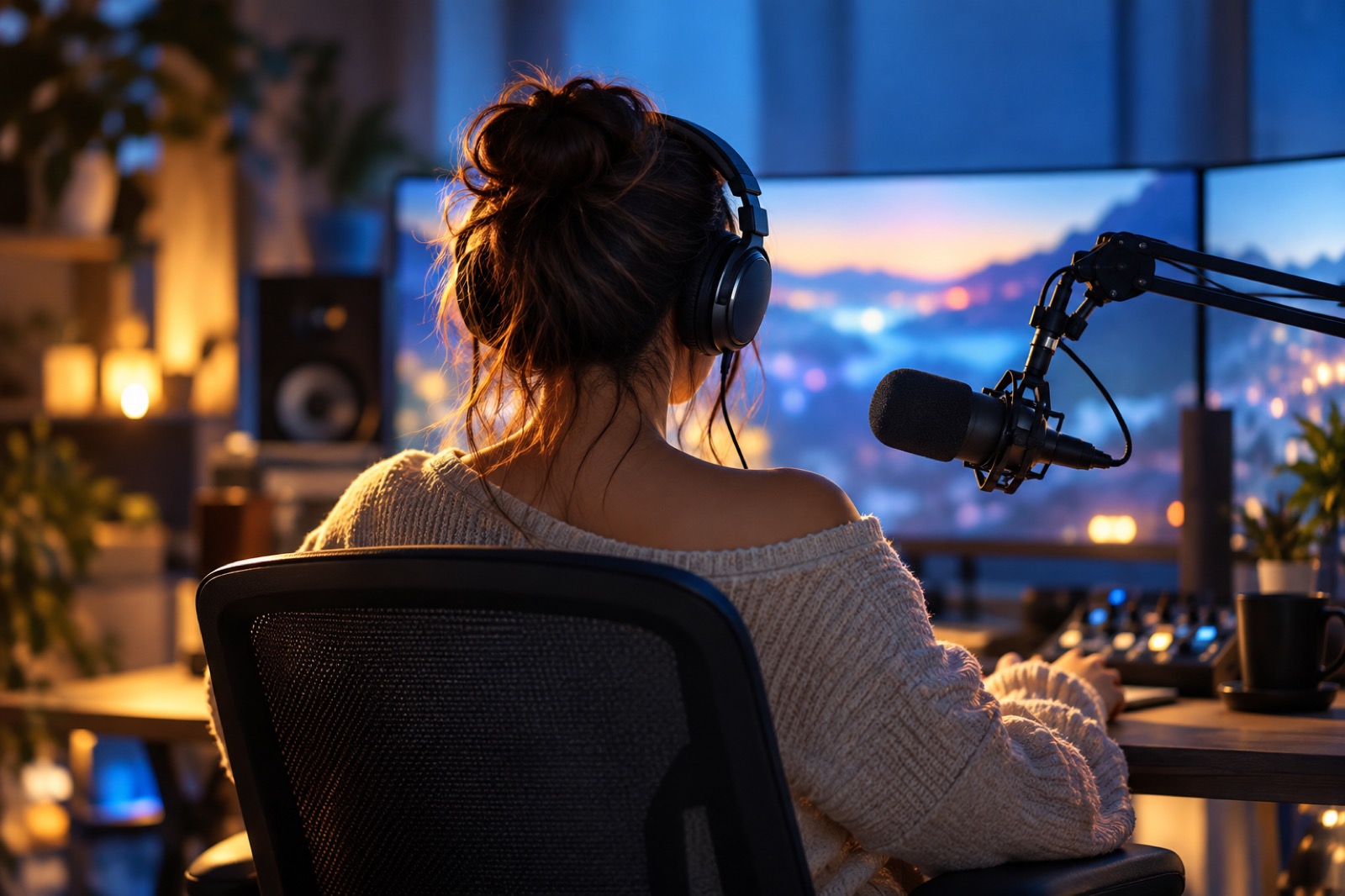
Choose the broadcast scene first
Conversation
Use a small number of instruments, a steady rhythm and no dominant lead melody. Check whether the music draws attention away from the words.
Waiting for the start
The music can be more active before anyone speaks. Keep the channel’s general atmosphere so the transition into conversation feels natural.
A short break
A more noticeable texture may work here. One track does not have to serve both a quiet conversation and a bright opening.
An example for a calm background
“Instrumental background for a conversational gaming livestream. Soft synths, a steady light rhythm and a little warm bass. No vocals or prominent lead melody. A quiet evening atmosphere, without dramatic peaks.”
Copy the musical description manually into the studio’s Instrumental tab. It is a sound request, not a lyric-writing idea. Preferences guide the direction, but listen to every result: a complete absence of abrupt changes is not guaranteed.
Two more musical directions
A warm conversational stream
Instrumental music for a calm live conversation. Soft electric piano, unobtrusive bass and light percussion. No vocals, fast runs or dramatic development. Leave plenty of space for speech.
Waiting for a gaming stream
An instrumental intro for the waiting scene of a gaming livestream. A springy electronic rhythm, clean synth accents and a friendly energetic mood. No vocals or aggressive distortion. A separate waiting-scene track, not a background for a long conversation.
Test it with speech, not in isolation
Speak a few normal lines over the result: a joke, an explanation and a quiet reply. If words disappear or musical accents distract you, lower the background in your broadcast software or try creating a simpler version.
Listen to the middle and the ending as well as the opening. Repetition and file transitions belong in your broadcast software; generation does not promise a seamless loop, unlimited length or automatic connection to a stream.
Does it have to be instrumental?
For the spoken part, that is a useful starting point because a second voice may distract. A standalone intro can take a different approach.
Is this a ready-made download playlist?
No. It explains how to describe and create your own background. Community examples show different generated results.
Can I get an exact seamless loop?
A seamless loop is not promised. Check the start and ending, then arrange playback and editing separately in your chosen software.
Listen to what you can create
Community songs on different themes. Your song will tell your own story, in your own mood.

Find the sound of your broadcast
✨ Your first song is free. Open the studio and try your musical idea in the Instrumental tab.
More ideas and guides
Music for video
Create music without vocals for your video: choose a mood, describe instruments and test the background against speech. Three examples and a free first start.
Describe your result
Write a useful song prompt by separating the idea, finished lyrics and sound. Add relevant details, remove contradictions and try your first song free.

Workout music: create a track for your session
Create your own workout music: briefs for a gentle start, an energetic section and a video with spoken instructions. Try making your first track free.
A song for a video greeting, not a random background
Plan a personal song for a birthday video or slideshow: choose a story, lyrics and a pace. Practical ideas and a free first-song start after registration.