Workout music built around your own idea
You can keep looking for a ready-made workout playlist, or describe a track for your own session: a gentle start, a steady groove or an energetic finish. Begin with one section rather than a whole playlist. It makes it easier to decide what sound fits.
Decide what the music does in this scene
For a home session without commentary, the melody can be more prominent. For a video with spoken instructions, listen to the music alongside the voice: vocals, frequent breaks and loud accents can compete with speech.
Musical energy and exercise intensity are different things. Do not speed up your movements to follow a track. Let music accompany the session you chose rather than determine its difficulty. This guide is about sound, not exercise planning.
Three sections, three musical roles
Opening: find the mood
A light steady pulse, soft percussion and instruments appearing gradually. The opening does not need the same density as the main section.
Main section: keep a clear character
Choose a simple rhythmic pattern and instruments you enjoy. Make “energetic” specific: a springy bass, steady electronics or short guitar accents.
Closing: change the atmosphere
Ask for a lighter arrangement and calmer development. This is a separate musical option, not an automatic cooldown or interval timer.
Three briefs for your instrumental track
A gentle opening
Instrumental electronic music for the start of a home workout. Soft percussion, warm bass and a short bright melody. Steady movement, gradual development, no abrupt hits and no vocals.
A focused main section
An energetic instrumental track for a session without spoken commentary. Solid electronic bass, steady drums and short synth phrases. Drive without aggressive effects, no long break in the middle and no vocals.
A video with instructions
An unobtrusive instrumental background for a fitness video with speech. Light groove, soft bass and a few muted keyboard sounds. A simple recurring musical idea, restrained accents and no vocals.
Try it in Hitzy
After registering, open Studio and the Instrumental tab. Choose a brief above, add a genre or preferred instruments and paste the sound description. Do not send a music brief to the lyrics tab: this task needs a background without vocals.
Listen to the whole result, then try it in the scene it was made for. For a video, play it alongside the recorded voice. Change one thing at a time: remove sharp accents or make the melody less prominent.
A requested tempo is a generation preference, not exact synchronization with each movement. If you need interval signals, editing to the second or seamless track joins, prepare those separately in an appropriate editor.
Common questions
Can I create workout music without lyrics?
Yes. Use Instrumental and describe the rhythm, instruments and atmosphere. The briefs above explicitly ask for no vocals.
Will one track cover a whole session?
It might if its development suits you. Start by testing one specific section; separate musical options can work better for different parts.
What if the music masks my instructions?
First compare the volume in your edit. If a quieter track still distracts, try a lighter arrangement, fewer melodic accents and no vocals.
Listen to what you can create
Community songs on different themes. Your song will tell your own story, in your own mood.

Create your own rhythm
✨ Your first song is free. Describe the mood and instruments, then try your own musical option for a session.
Create your trackMore useful ideas
Instrumental music for video
Create music without vocals for your video: choose a mood, describe instruments and test the background against speech. Three examples and a free first start.
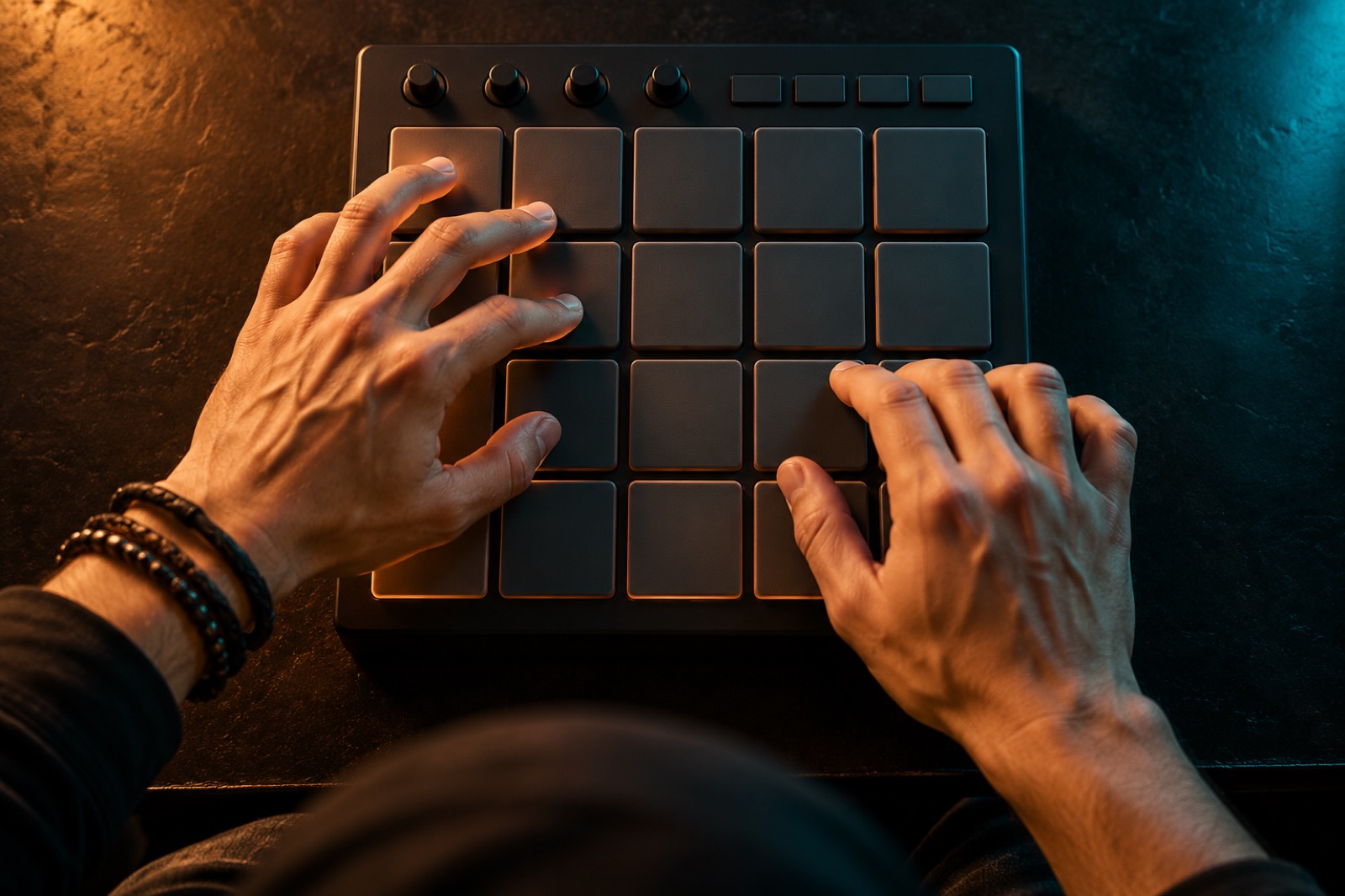
How to create a beat
Build a first beat around pulse, drums, bass and space for vocals. Try a practical rhythm exercise and descriptions for an instrumental result.
A song for a video greeting, not a random background
Plan a personal song for a birthday video or slideshow: choose a story, lyrics and a pace. Practical ideas and a free first-song start after registration.
Livestream music: a background that leaves room for your voice
Describe and create background music for a livestream, with prompt examples, a voice check and different broadcast scenes. Start creating for free in Hitzy.